Browser livery & spec-map studio for iRacing

Race in
your colours.

Why RacePaint

Built for real race cars.
Not flat AI guesses.

Generic tools dump warped flat textures you can never edit again. RacePaint gives you a real browser livery studio built around iRacing’s panels, wireframes, and finish maps.

01 Free browser studio, pro depth

Quick Build, UV guides & spec maps.

Start from a curated racing layout, drop in a photo, or paint from scratch — no 2048×2048 Photoshop or GIMP wrestle required. Toggle UV wire & mask guides, mirror both sides, and export clean TGA + car_spec files for Trading Paints.
02 Optional AI, always editable

Checks live car views. Outputs real layers.

Want an AI head start or targeted refinement? RacePaint inspects side, front, top and rear views for seam breaks and cut-off lettering — and hands you structured editable layers so swapping a sponsor or colour takes seconds.

03 Multi-car transfer · Coming during beta

Paint once. Race across classes.

Save reusable team colours and logos with Racing Identities today — and adapt full liveries between chassis like the Super Formula 23 and Ferrari 499P as cross-car transfer rolls out during beta.

See The Wall preview

Interactive studio

Try every way to paint.

Click or drag any control below to take over — auto-tour pauses the moment you interact.

  1. 01 Quick Build
  2. 02 Layer & UV Studio
  3. 03 Optional AI Paint
  4. 04 Export to iRacing

01 Quick Build

Pick a pattern, shuffle colours
or load artwork onto cars & helmets.

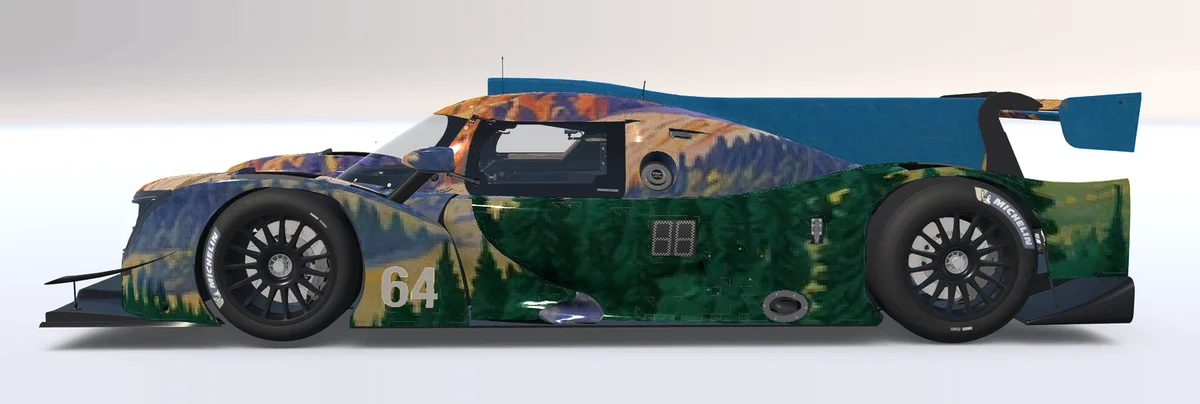
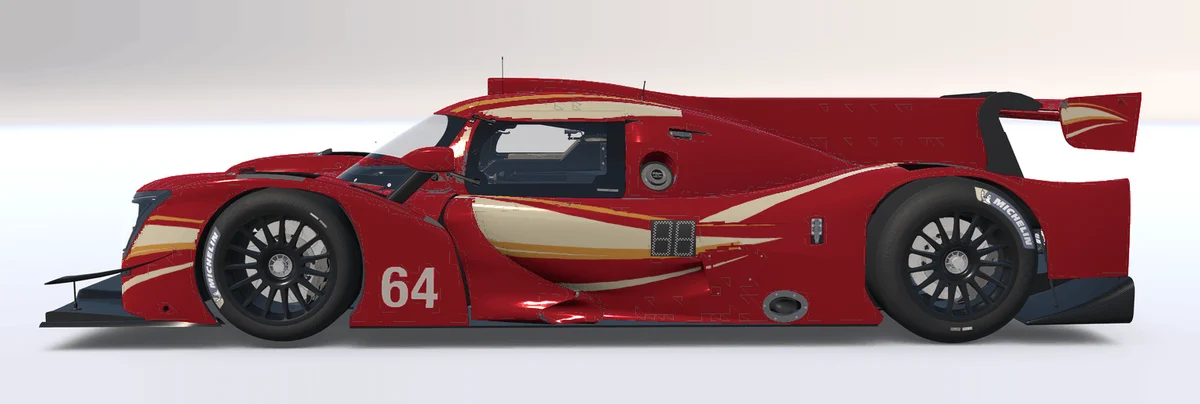
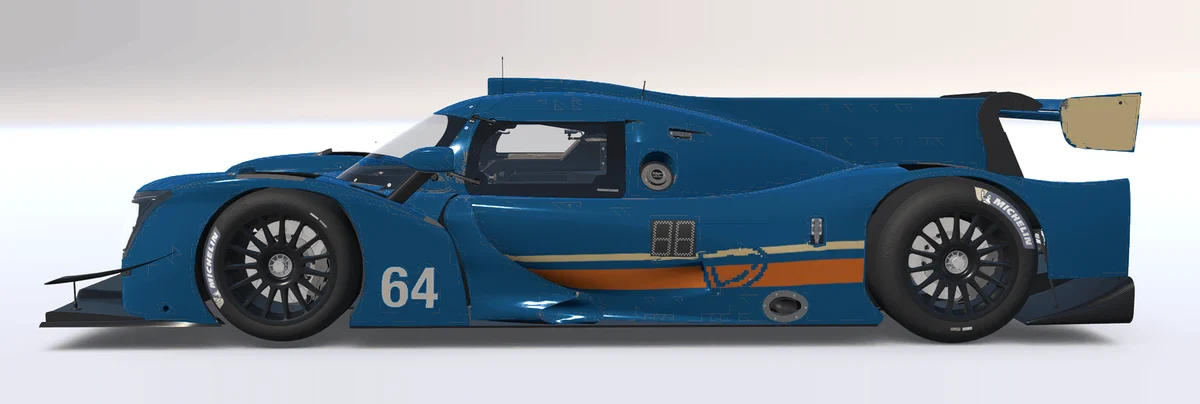
Zero blank-canvas intimidation. Switch between cars and helmets, pick a curated racing layout, shuffle palettes in one click, or load basepaint artwork and blend between the full image and its extracted colour scheme.

  • Try Quick Build across the Ligier JS P320 prototype and iRacing Helmet live
  • Combine curated racing patterns with 3-colour palettes & one-click shuffle
  • Load RacePaint artwork basepaints onto the body — or extract colours & blend opacity live
Vehicle
Quick Build tools
Quick Build · Ligier JS P320 Sarthe Short Tail · Crimson
Quick Build racing pattern livery preview Racing livery coloured from extracted artwork palette Artwork basepaint loaded directly onto target surface
Colours

02 Layer & UV Studio

Dial in every logo,
seam and angle.

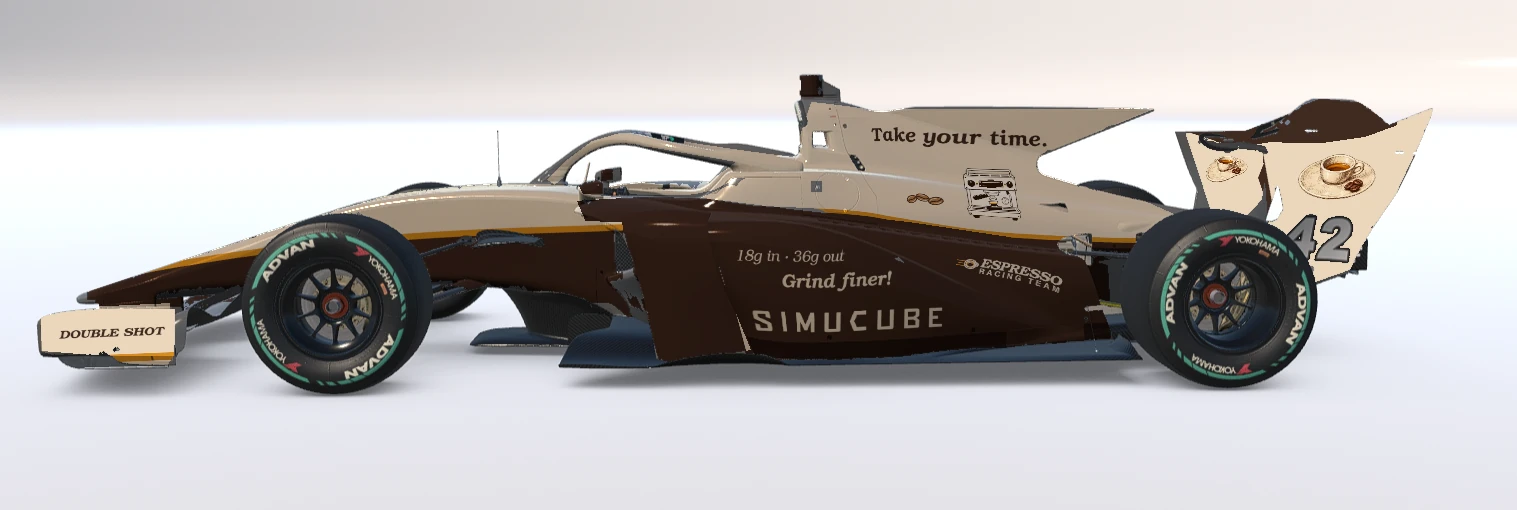
Open any Quick Build, AI draft, or blank canvas in the full layer studio. Toggle UV wire and mask guides on the 2D sheet, mirror both sides in one move, and inspect every camera live.

  • Click the 2D sheet or toggle button to verify panel seams
  • Mirror left and right sides in sync across the chassis
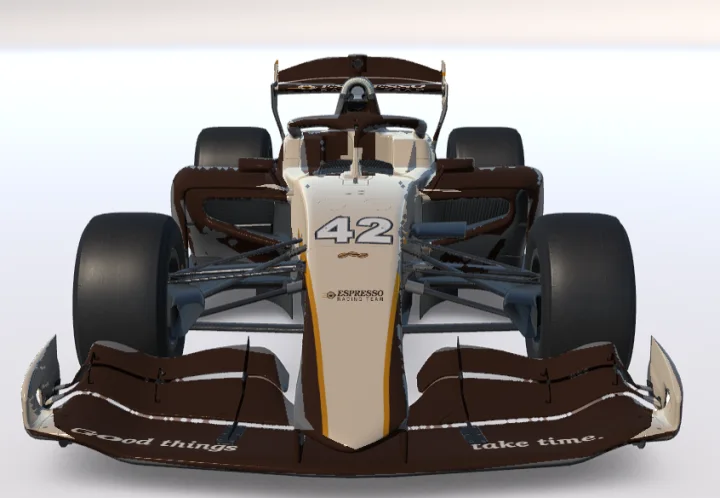
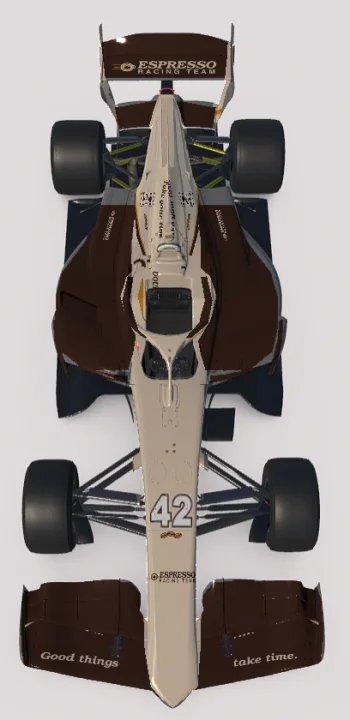
  • Switch cameras to inspect front wing, nose spine and rear flap
Inspect tools
Layer Studio · Espresso Guides ON · Mirror L↔R
2D Template · 2048 × 2048 Wire + Mask ON
Live Car Preview Side camera
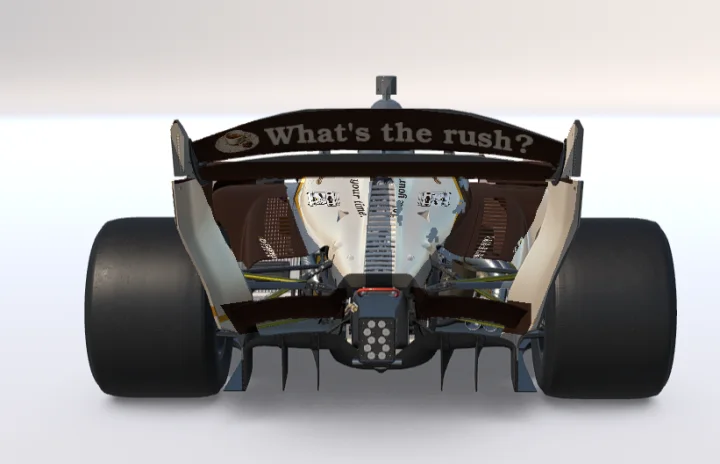
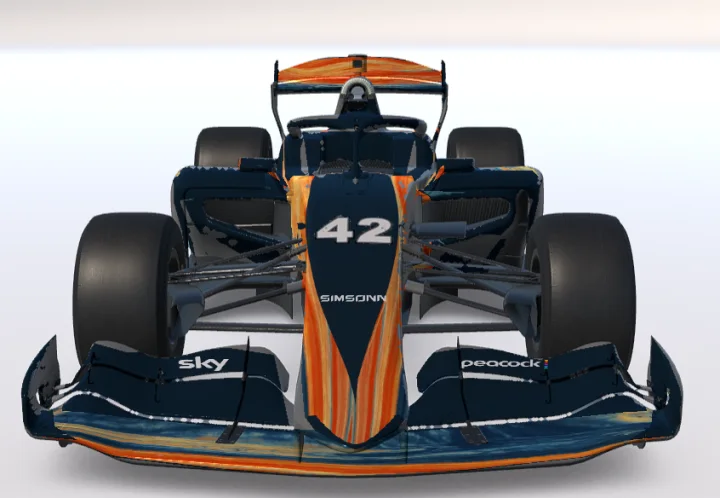
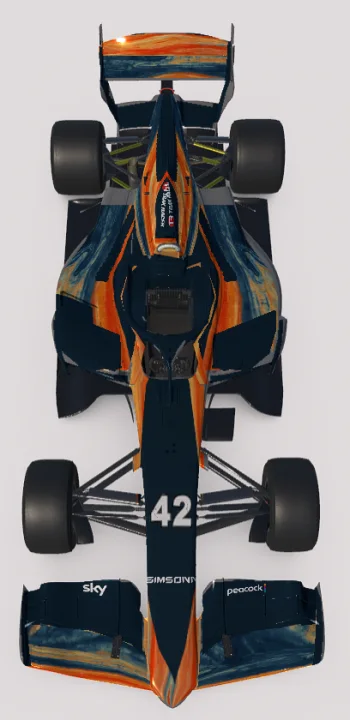
Espresso Racing Team SF23 side view in RacePaint editor Espresso Racing Team SF23 front view showing Good things take time on the front wing Espresso Racing Team SF23 top-down overhead camera view Espresso Racing Team SF23 rear view showing What's the rush on the rear wing
Inspecting: SIMUCUBE · Sidepod X 1184 · Y 1658

03 Optional AI Paint

Describe an idea.
Verified on live views.

Prefer an AI head start? Write a brief or attach a photo. RacePaint’s optional AI checks alignment across real side, front, top and rear views — and hands you an editable multi-layer project instead of a frozen flat image.

  • Inspects real multi-angle car views before calling a draft done
  • Builds structured layers (35–90+) ready for one-click tweaks
  • Update sponsors, copy or colours anytime without regenerating from scratch
Try a brief
Verify live camera
AI Paint · Super Formula 23 35 layers · Verified
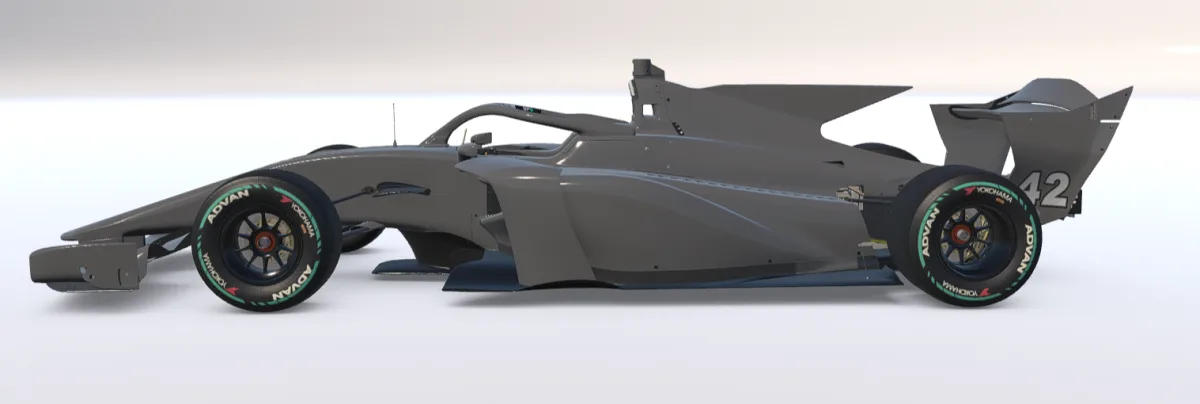
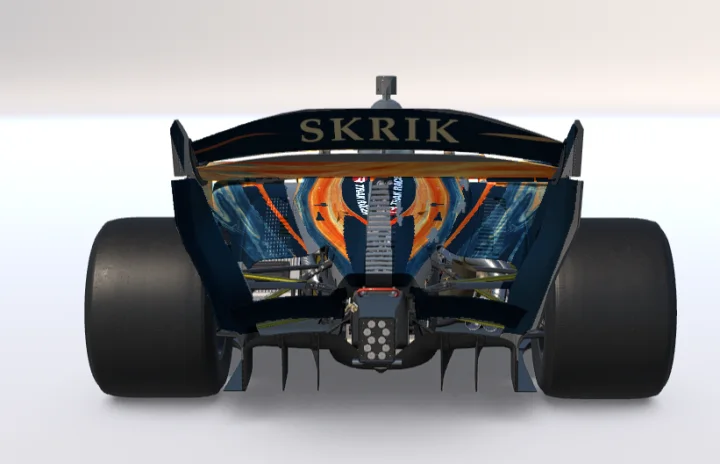
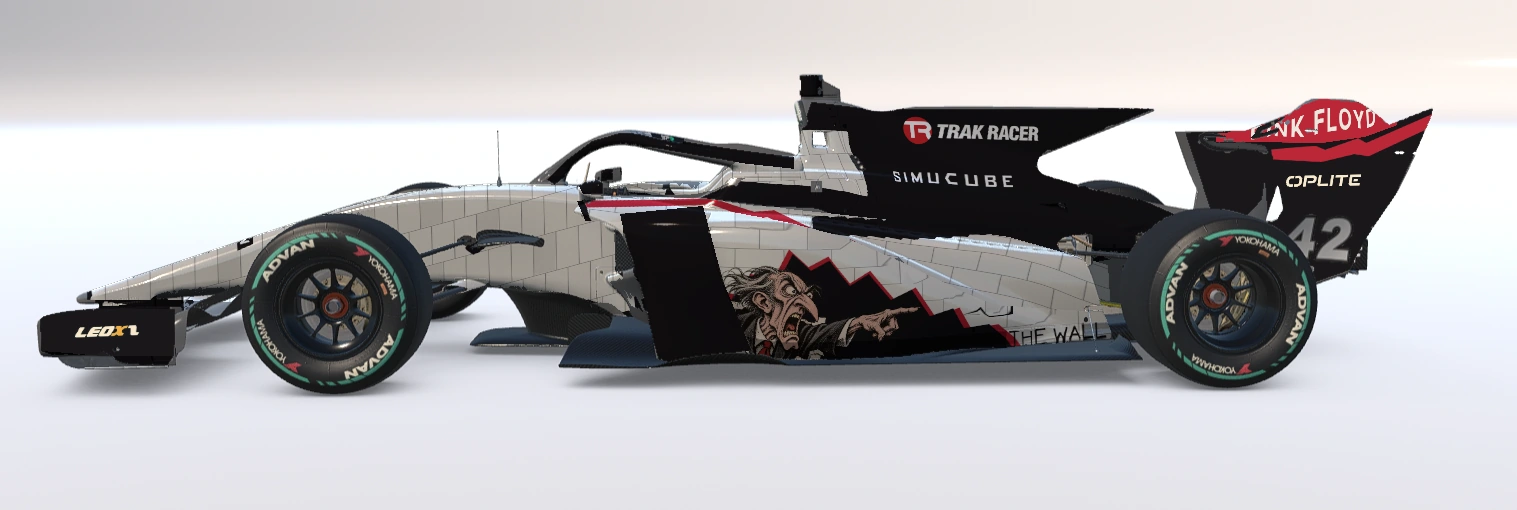
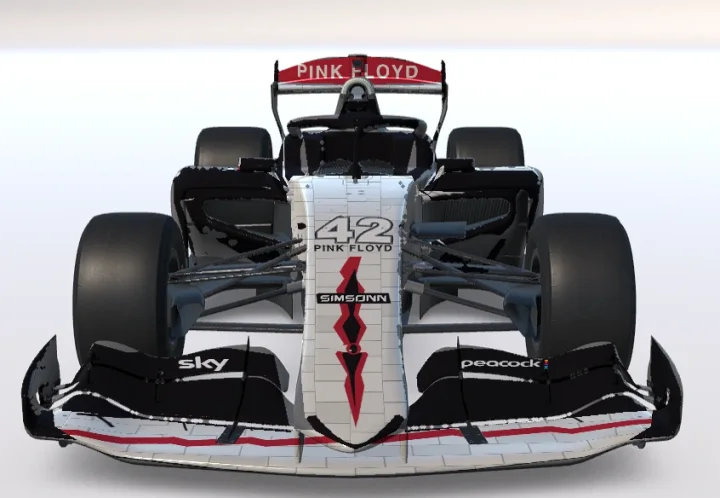
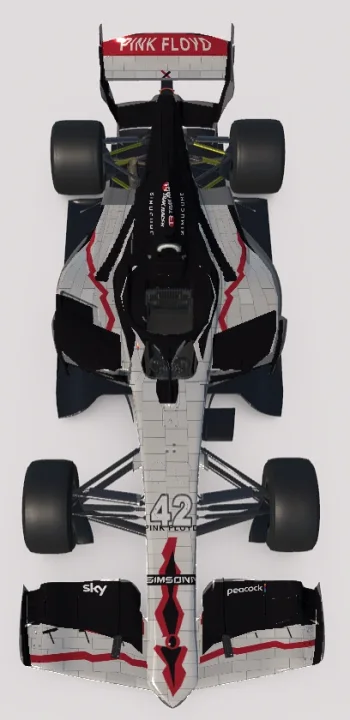
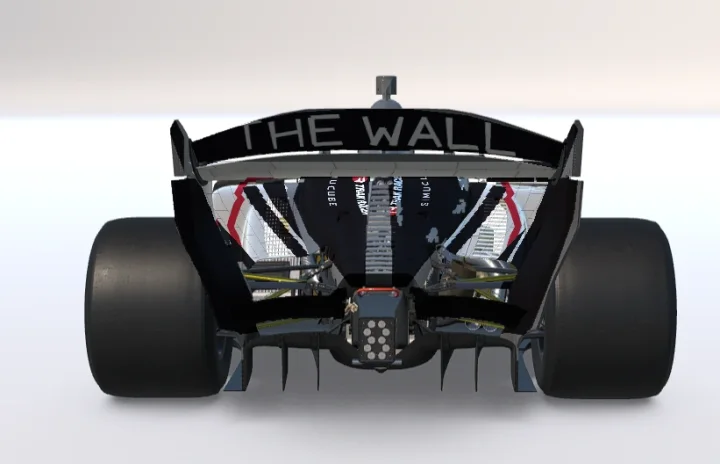
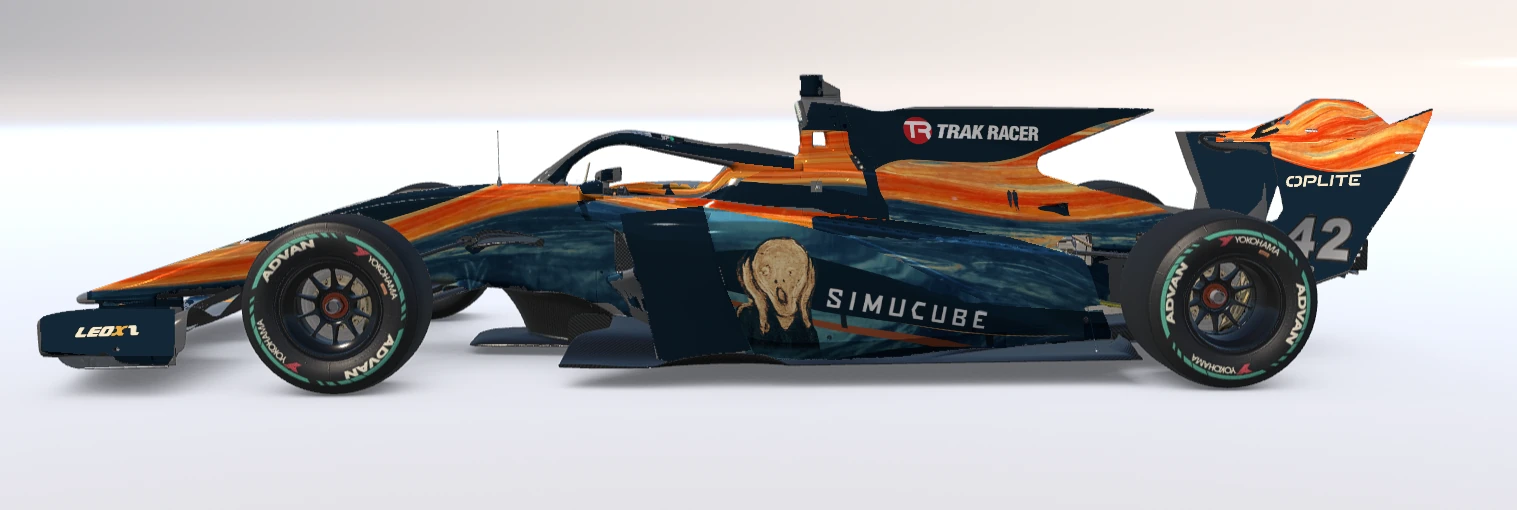
Unpainted Super Formula 23 chassis ready for AI livery generation Espresso Racing Team SF23 side view showing cream, espresso brown and gold pinstripe Espresso Racing Team SF23 front verification camera showing Good things take time on the wing Espresso Racing Team SF23 top verification camera showing nose and spine seam alignment Espresso Racing Team SF23 rear verification camera showing What's the rush on the rear wing The Scream SF23 side view with SIMUCUBE and Trak Racer verified on sidepod and fin The Scream SF23 front verification camera showing SIMSONN, Sky and Peacock on wing flaps The Scream SF23 top verification camera showing balanced sunset sky and sidepod transitions The Scream SF23 rear verification camera checking wing contrast and sponsor readability The Wall SF23 side view with pointing schoolmaster inside red-edged brick break The Wall SF23 front verification camera showing brick seams across the nose and front wing The Wall SF23 top verification camera inspecting brick grid alignment across left and right pods The Wall SF23 rear verification camera verifying The Wall lettering across the rear wing
Brief

Espresso coffee-inspired livery with “Take your time.” on the fin and “What’s the rush?” on the rear wing.

04 Ready for Trading Paints

One click to iRacing.

Switch vehicle target or type your real iRacing Customer ID to preview the exact TGA and finish files RacePaint exports for Trading Paints or local testing — while your editable project stays saved for next season.

  • 2048 × 2048 .TGA
  • car_spec finish map
  • Ready for Trading Paints
Export · Super Formula 23 Package ready
TGA
car_482910.tga Paint sheet · 2048 × 2048 · 24-bit
SPEC
car_spec_482910.tga Matte / metallic finish map
Documents/iRacing/paint/superformulasf23 honda

Cross-car livery transfer · Coming during beta

Transfer any livery
from car to car.

Paint a livery once — then adapt it to a different chassis as cross-car transfer rolls out during beta. Colours, artwork, stripes and sponsors re-map onto the new car’s panels while keeping every layer editable.

Cross-car transfer preview · Coming during beta

The Wall

Super Formula 23 Ferrari 499P

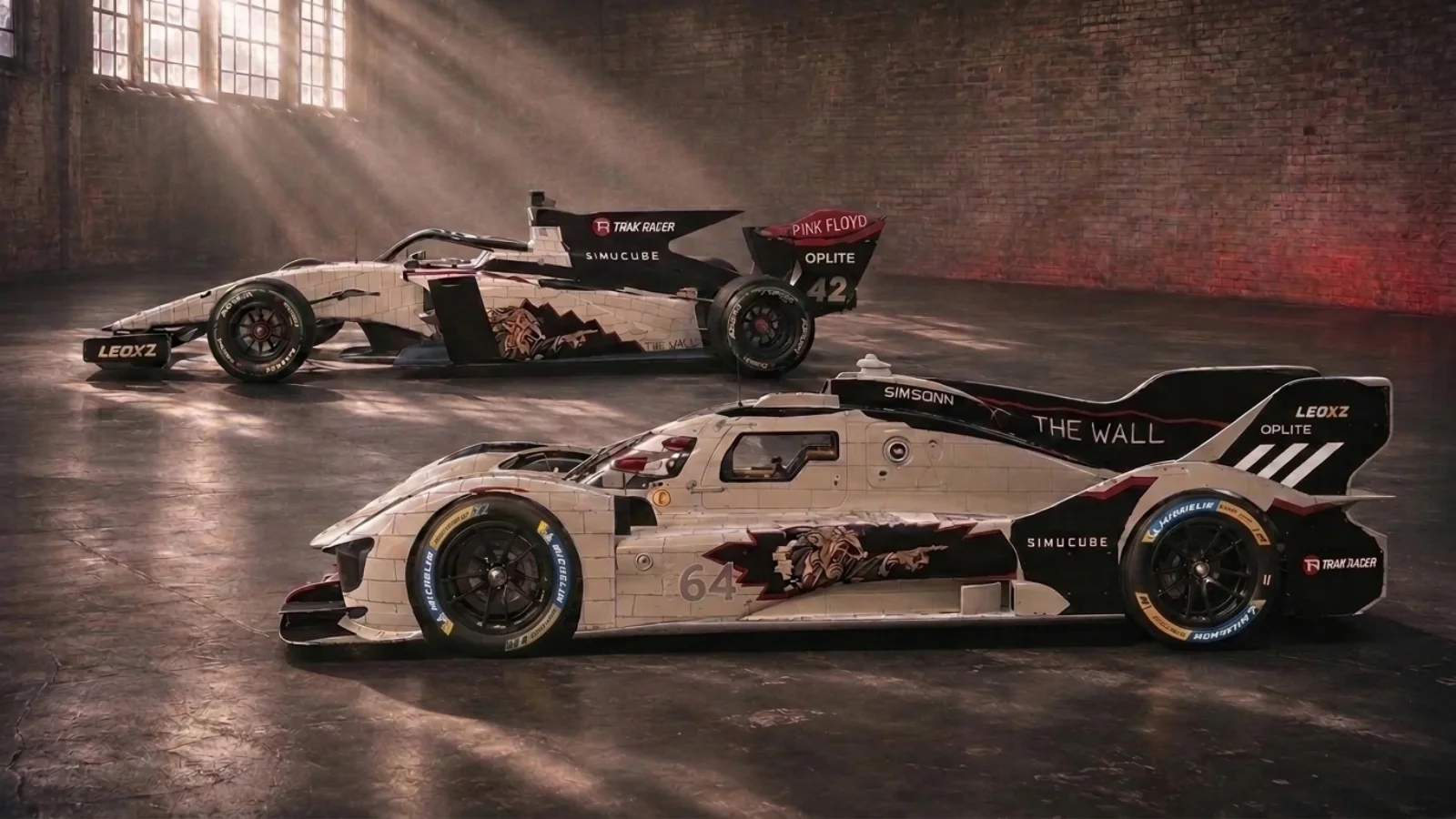
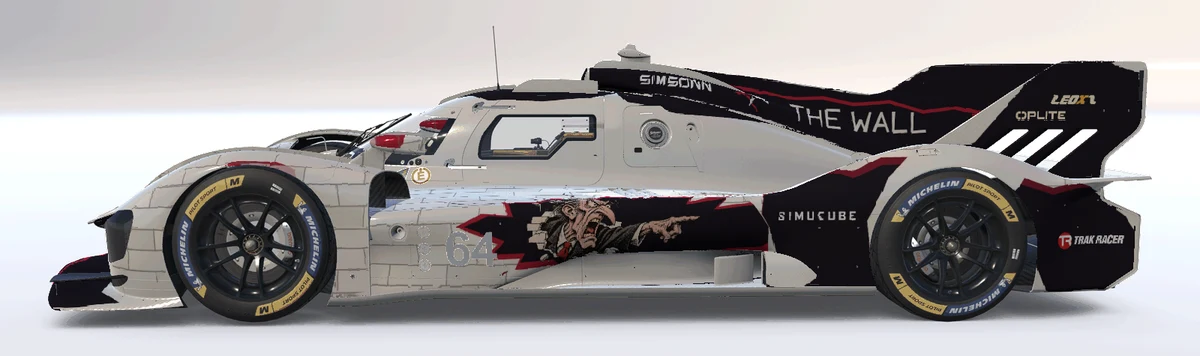
Designed on the Super Formula 23 and adapted onto the Ferrari 499P. Cross-car transfer re-maps the cracked brick wall, schoolmaster cutaway and sponsor layout onto the new bodywork — keeping every layer editable.

  • Move between open-wheelers, prototypes & GT cars in one click
  • Preserves colours, artwork, stripes & sponsor placement
  • Lands as a fully editable project ready for quick tweaks
The Wall view
The two ivory and black Wall cars — Super Formula 23 and Ferrari 499P — together in a sunlit brick hall
Super Formula 23 editor paint, with the schoolmaster in a red-edged break below the cockpit and Pink Floyd lettering on the rear wing
Super Formula 23
Ferrari 499P editor paint, with the same schoolmaster below the door and The Wall lettering on the dorsal fin
Ferrari 499P

Made in RacePaint

Real liveries.
Real templates.

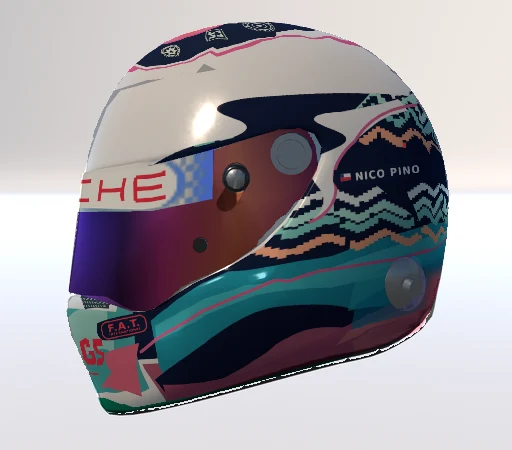
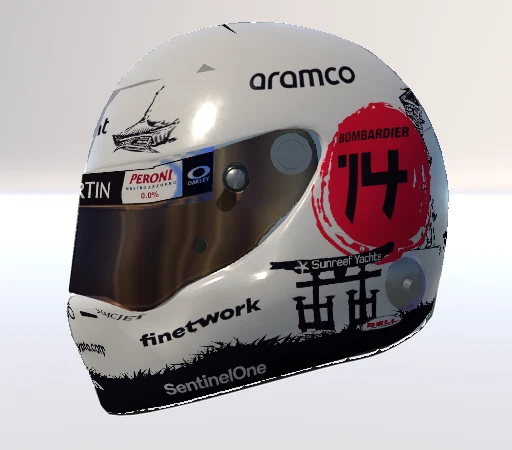
Every shot below starts from an exportable 2048×2048 iRacing paint. Click any car or helmet to inspect the real RacePaint editor render.

Early beta access

Paint your next race.

We’re inviting iRacing drivers and teams in waves. Join the waitlist and tell us which car or helmet you want to paint first.

Studio illustration
RacePaint editor render

Waitlist privacy

RacePaint stores your email and when you joined so we can invite you to the beta. If you tell us which car or helmet you’d paint first, we’ll use that to prioritise future vehicles.

Use “Manage signup” in the footer from the browser where you joined to remove your details anytime, or save the private link shown there.

Manage signup

Keep this private link if you want to manage your signup from another browser.